How to photograph kids' art so it looks beautiful
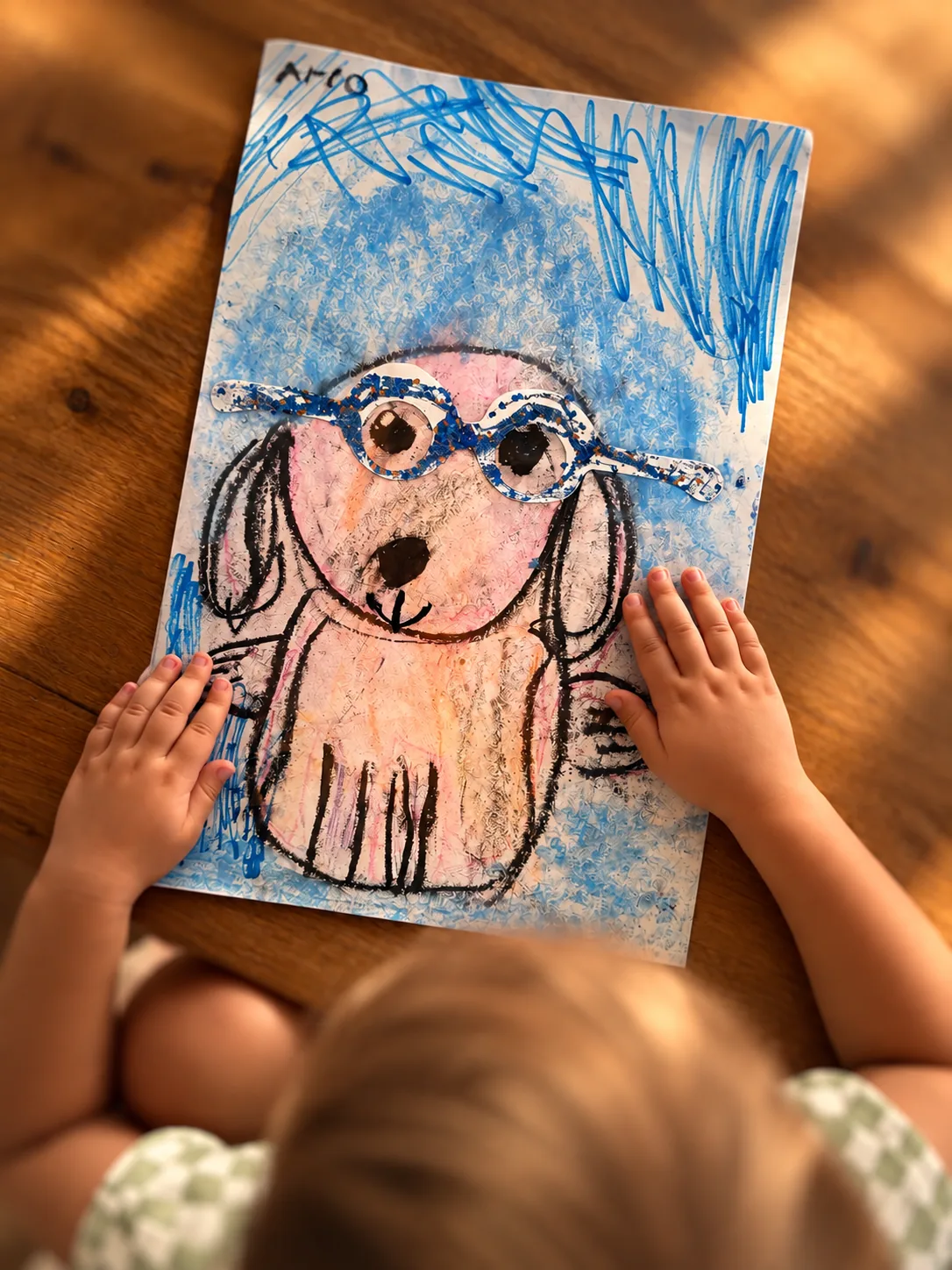
Use soft, even light near a window, lay the piece flat, hold your phone parallel above it, and take one photo. Yearloom cleans up the edges and color afterwards, so the photo only has to be a good start.
A parent looking back on years of art wrote: "Oh I also tried to remember to put their ages on their artwork at the time, it's a bit late now!" The date is the first thing that fades.
You do not need a fancy camera or a studio. With a phone and a few minutes, you can capture your child's art so it looks the way it felt when they handed it to you.
Here is how to photograph a drawing with a little care, and how to let the rest take care of itself.
If it is a grey day, move closer to the window rather than turning on a lamp. Evenly lit paper photographs better than paper lit from one harsh side.
What light is best for photographing kids' art?
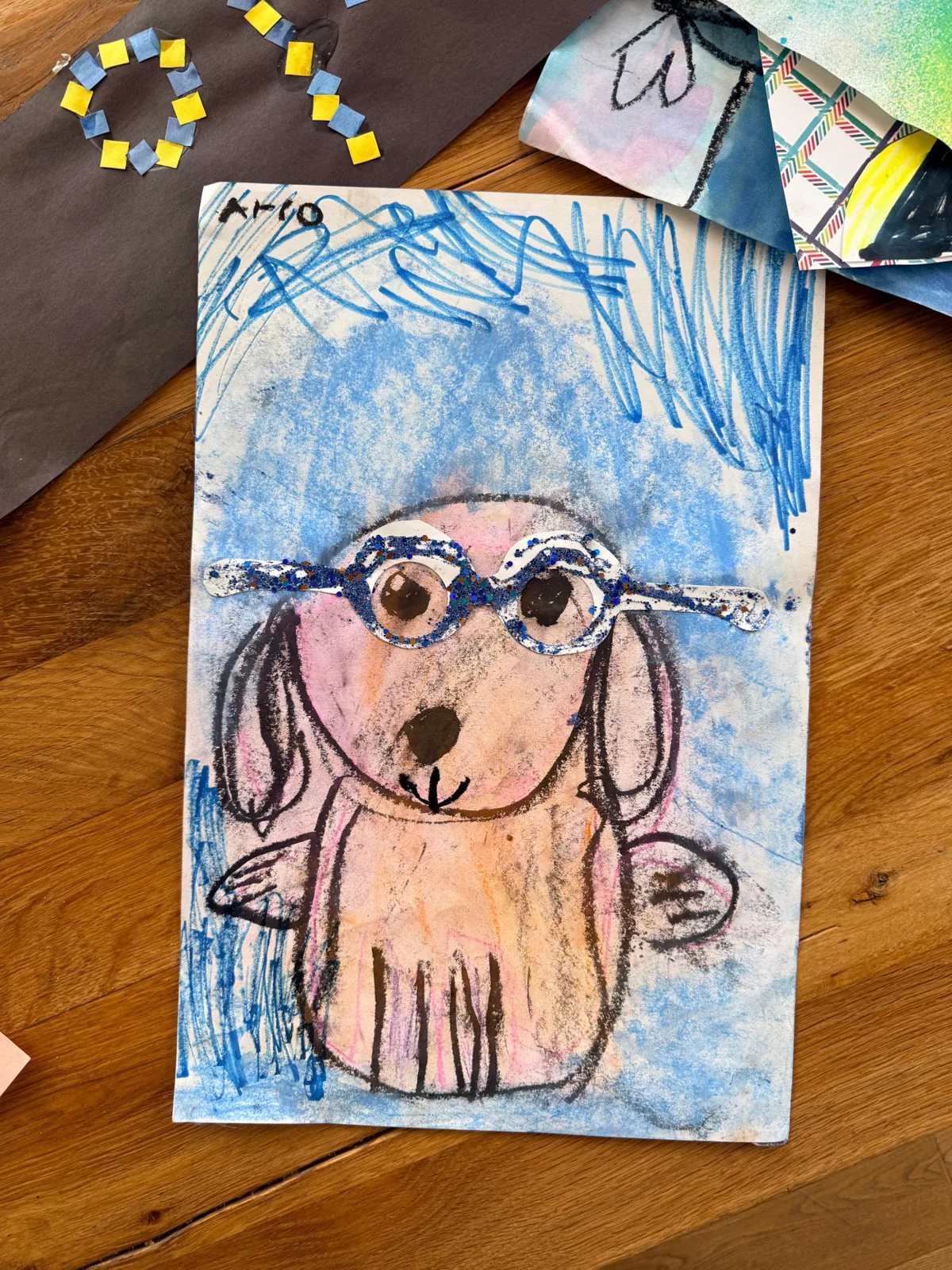
Light is the biggest difference. Set the drawing near a window in daytime, where the light is gentle and wide. Soft light makes colors look true and keeps the paper from looking harsh.
Skip the overhead lamp if you can. It tends to create glare, especially on glossy paint, markers and glitter.
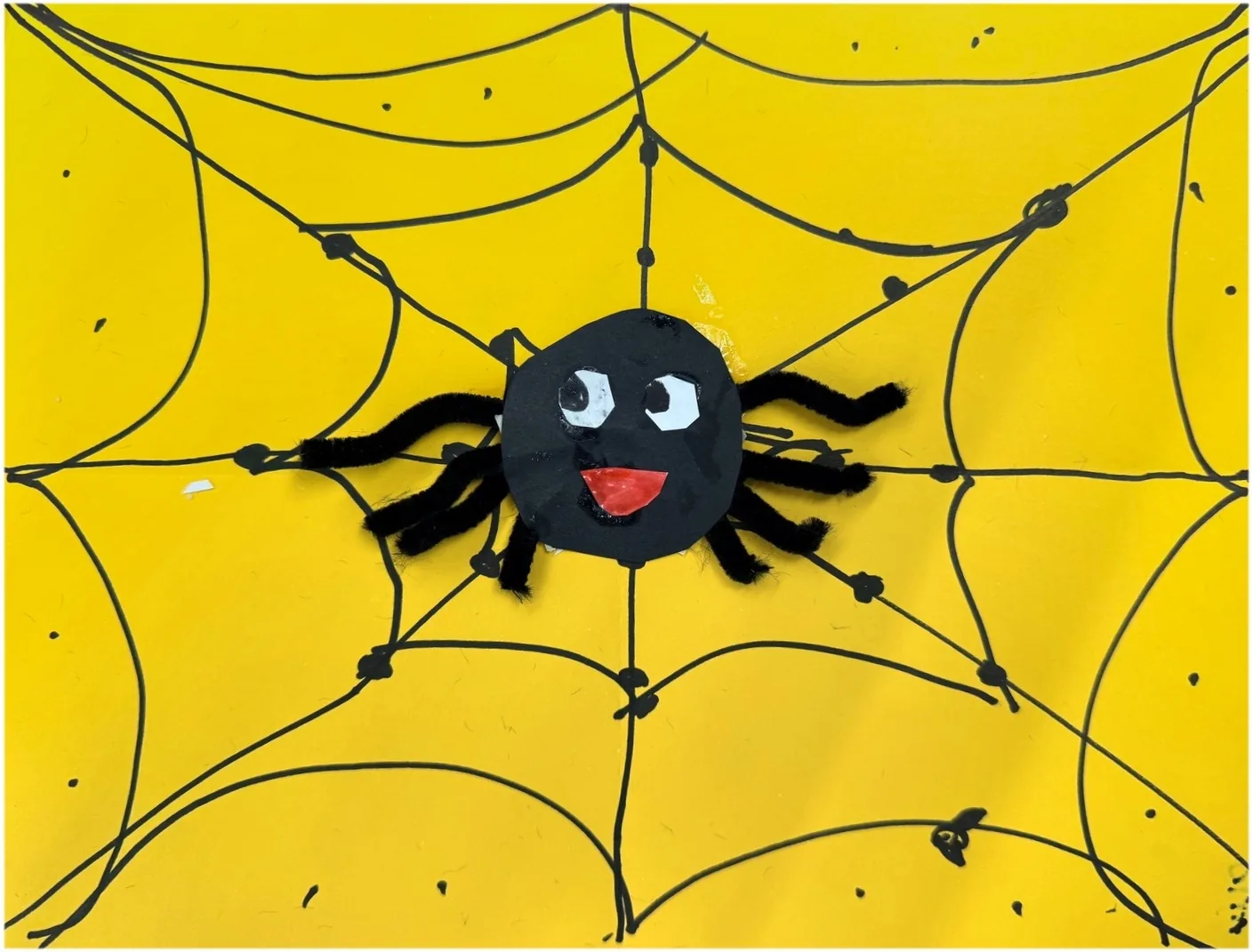
How should I lay the art out?
Place the piece on a clean, plain surface like a table or the floor. A white or neutral background keeps the focus on the art.
If the paper is curled, a couple of books on the corners can help. Take them out of the frame, or just let the cleanup handle the edges.
If you have time, take two or three shots and choose the sharpest. It costs nothing, and it is easy to do while your child is still showing you what the piece is about.
How do I hold the phone?
This step makes a real difference. Stand above the drawing and hold your phone flat, parallel to the paper, so the edges stay straight. An angled shot makes the picture look tilted and stretched.
Try these quick checks:
- Keep your own shadow out of the frame
- Fill the screen with the piece, with a little margin
- Tap the screen on the drawing so the focus is crisp
- Hold still for a moment, then snap
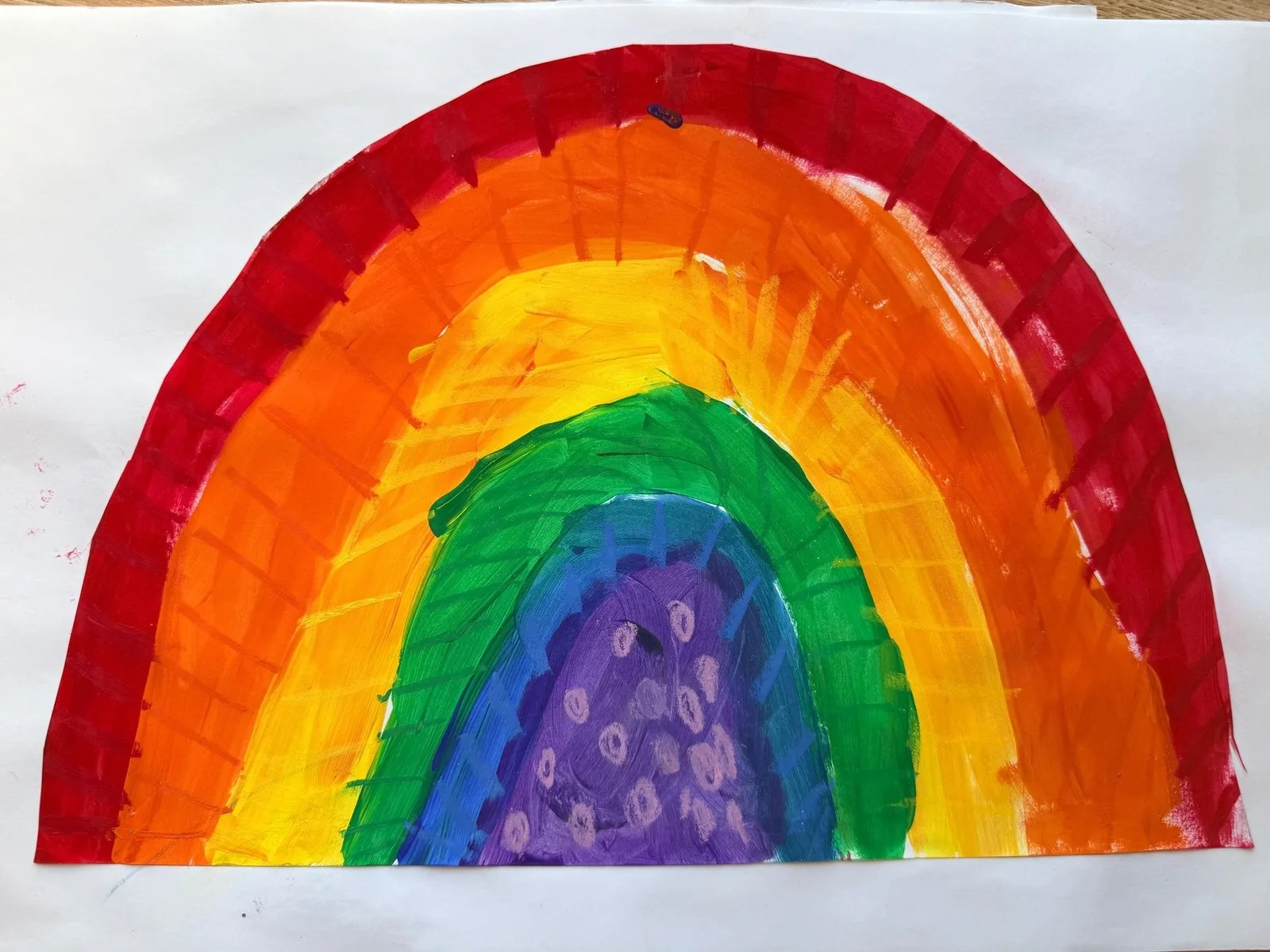
Do the edges need to be tidy?
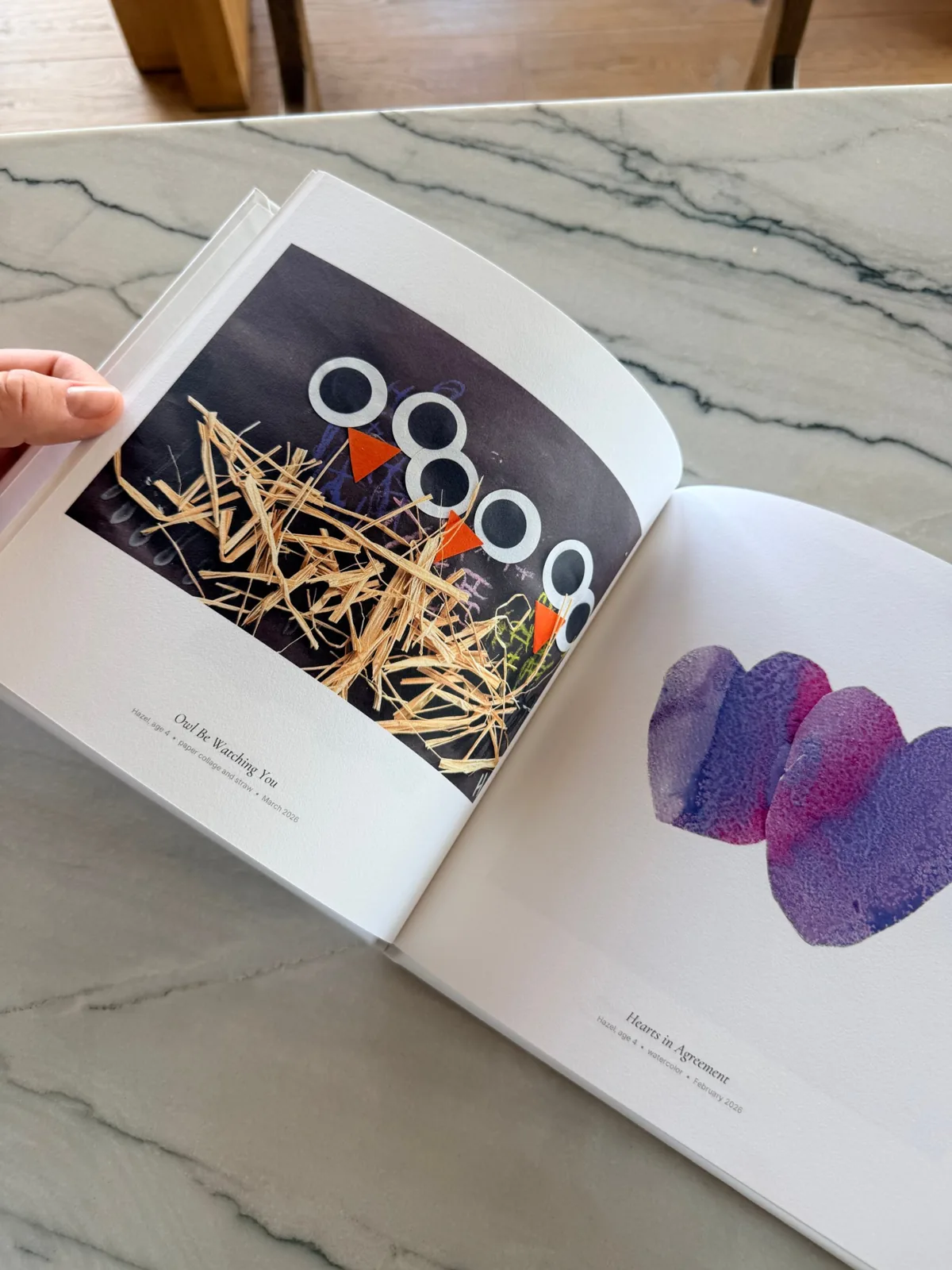
A slightly crooked photo is completely fine. In Yearloom, a private gallery just for family, you snap a drawing with your phone and it comes back cleaned up, titled and dated. So you can focus on a quick, kind photo, not a flawless one.
That makes the whole thing doable on a busy Tuesday, with a toddler on your hip.
Textured work like collage and clay is lovely to capture too. A little side light from the window can show off the depth, as long as it does not cast hard shadows over the main part of the piece.
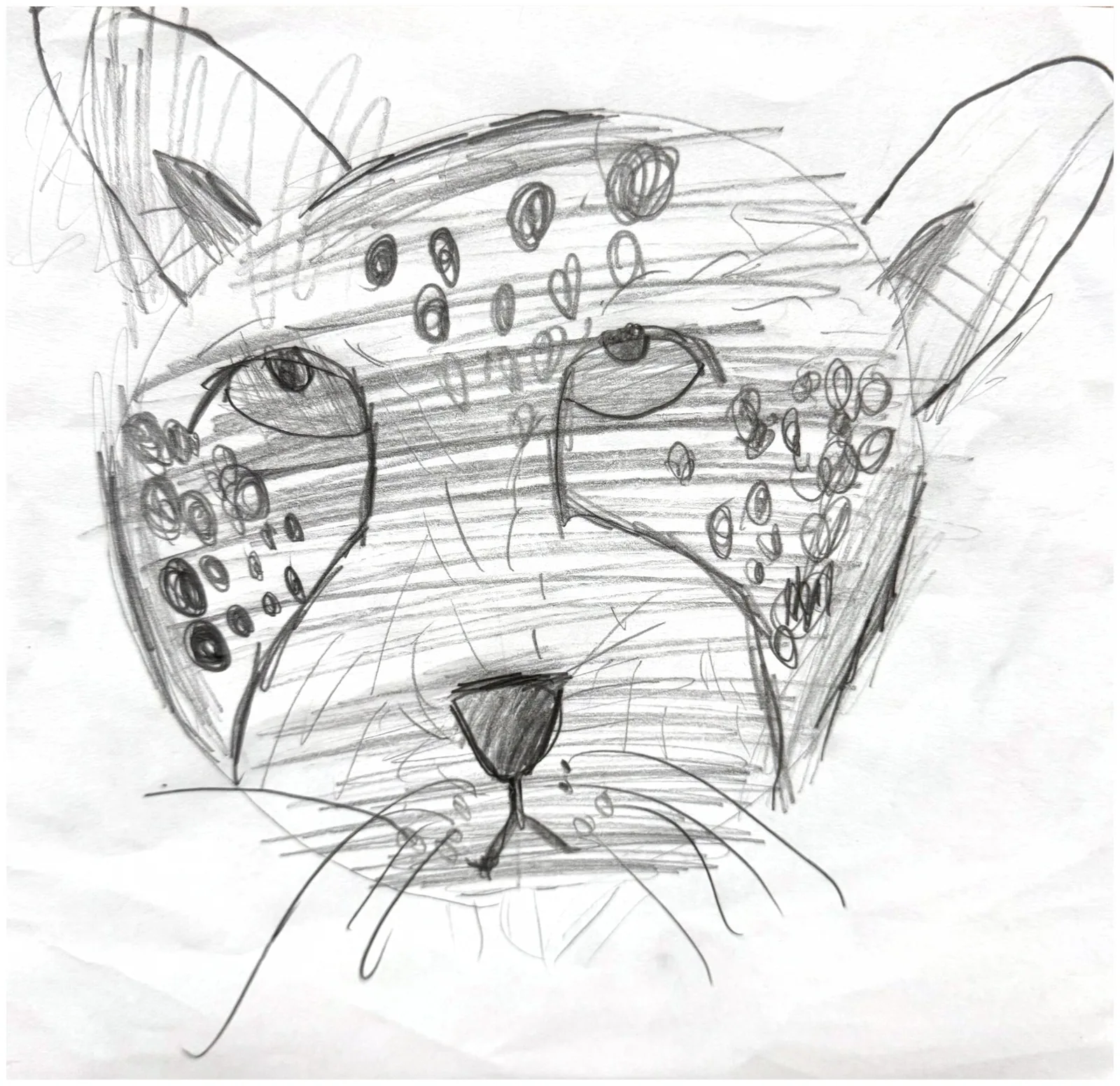
What about tricky pieces?
Some art needs a little extra thought:
- Shiny paint or glitter: tilt away from the window to soften reflections
- Very large drawings: step back, or photograph on the floor
- Dark paper: add a bit more daylight and avoid the flash
- Delicate pieces: keep them flat and handle by the edges
Take a second shot if you are unsure. You can pick the better one.
How do I add the story?
When you save a piece, it helps to capture what your child says. Kids' own words can be added as a note and are used in the title, so the finished piece carries their voice.
Start with a free trial, so you can practice on a few drawings this week without any pressure.
Keep the originals you love in a small box, and keep every piece in the gallery with its title and date.
Good light, a flat surface, a steady hand, and a moment of attention. That is all it takes to keep the drawing well.
Questions parents ask
Do I need a special camera to photograph my kid's art?
No. A phone is enough. With soft light and a flat piece, one photo is all it takes.
Is my child’s art private?
Yes. It’s visible only to your account, and we never use it in marketing. We never sell your data or your art. You own it: Yearloom claims no ownership of your child’s art.
How does the free trial work?
You start with a free trial. A card is needed and you pay $0 today. If you cancel during the trial, you are never charged. For the plan and price, see the FAQ at yearloom.co/faq.